
GitLab vs. GitBook: Key Differences
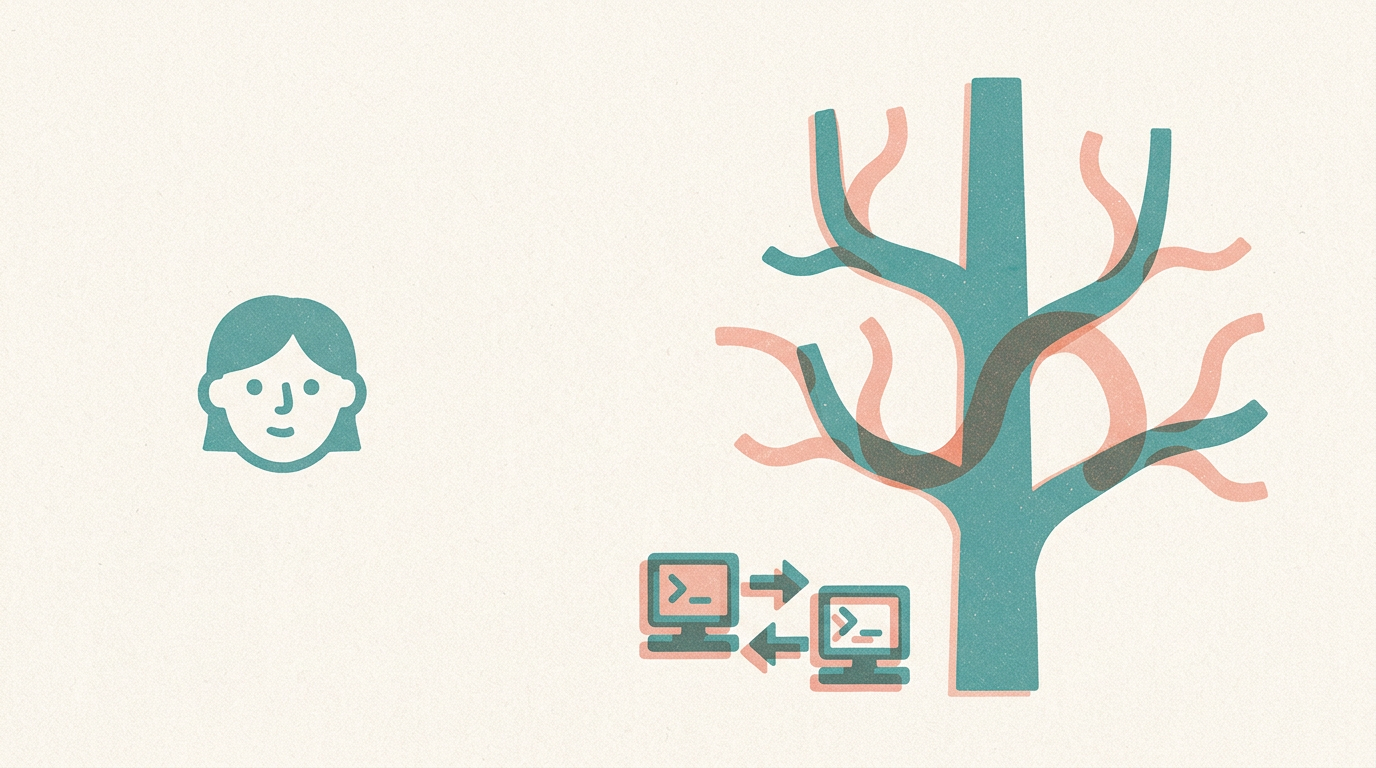
Think of a busy kitchen and the cookbook it publishes. The kitchen is where cooks test, change, and argue over recipes together; the cookbook is the polished book customers read. GitLab is much closer to the kitchen, and GitBook is much closer to the cookbook.
GitLab is a website where teams store and work on software code together. It is built around Git, a tool that records every change to your files so you can look back or undo mistakes. GitLab adds teamwork features: people propose changes, others review them, and automated checks can run on each change.
That automation is part of DevOps, meaning the habits and tools that help teams build, test, and release software smoothly. For example, a team making a mobile app can use GitLab to review each change and automatically test it before release.
GitBook is a tool for writing and publishing documentation, meaning the guides and manuals that explain how something works. It offers a friendly editor, tidy navigation, and search, so readers can find answers easily. The same app team could use GitBook for the user guide customers read.
| Trait | GitLab | GitBook |
|---|---|---|
Main purpose | Build code together | Publish guides |
Typical user | Developers | Writers and readers |
Example | Review an app change | Host a help center |
A common mix-up is thinking they compete, so you must pick one. In truth they do different jobs, and teams often use both. GitBook can also connect to Git-based services, so the two can work side by side, though what is available depends on your setup and plan.
Choose GitLab when your main need is managing code and teamwork around it. Choose GitBook when your main need is readable documentation for others.
In short, GitLab is the kitchen where the work gets made and checked, and GitBook is the cookbook that presents knowledge clearly. Knowing whether you are building something or explaining it tells you which tool to reach for.
